
Maths & science equation studio, from Daqorum
Write, speak, draw and graph maths and science notation — anywhere
SumIt is the equation studio for students, teachers, researchers and STEM teams. Type LaTeX, dictate by voice, handwrite on a touchscreen, calculate, plot functions and render chemistry — then copy or export wherever your work needs to go.
Works offline once loaded, with your equations kept on your device while you work.
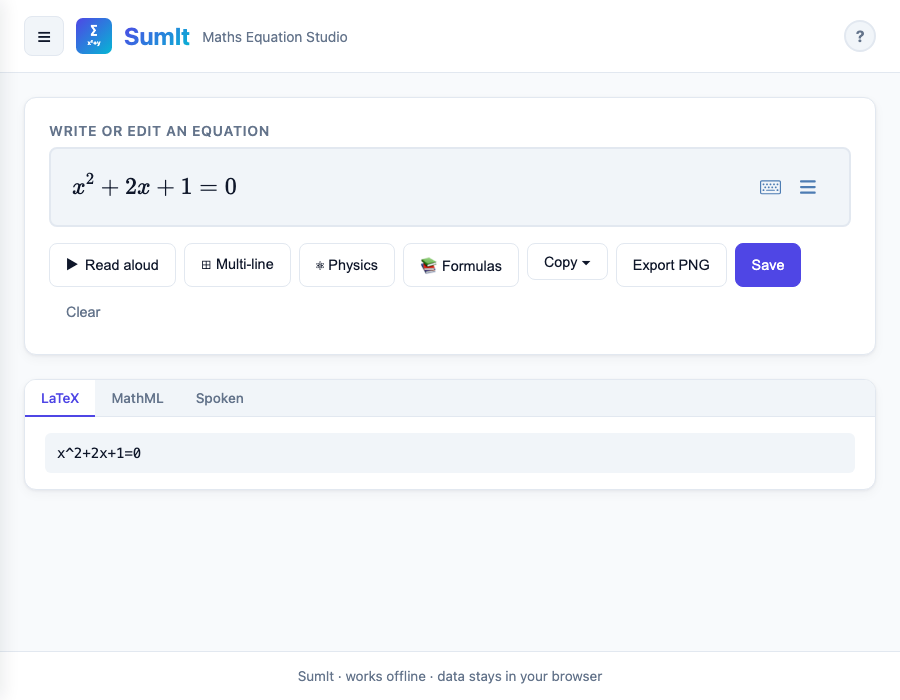
Watch SumIt in action
A short walkthrough of the studio — from typing an equation to exporting a balanced chemical reaction.
Seven modes, one studio
Every input style, every level, every subject. Switch modes with one click in the menu drawer; your work moves with you.
Editor
Type LaTeX with live autocomplete and a 300+ formula library.
Dictate
Speak "x squared plus three x" and get clean notation back.
Draw
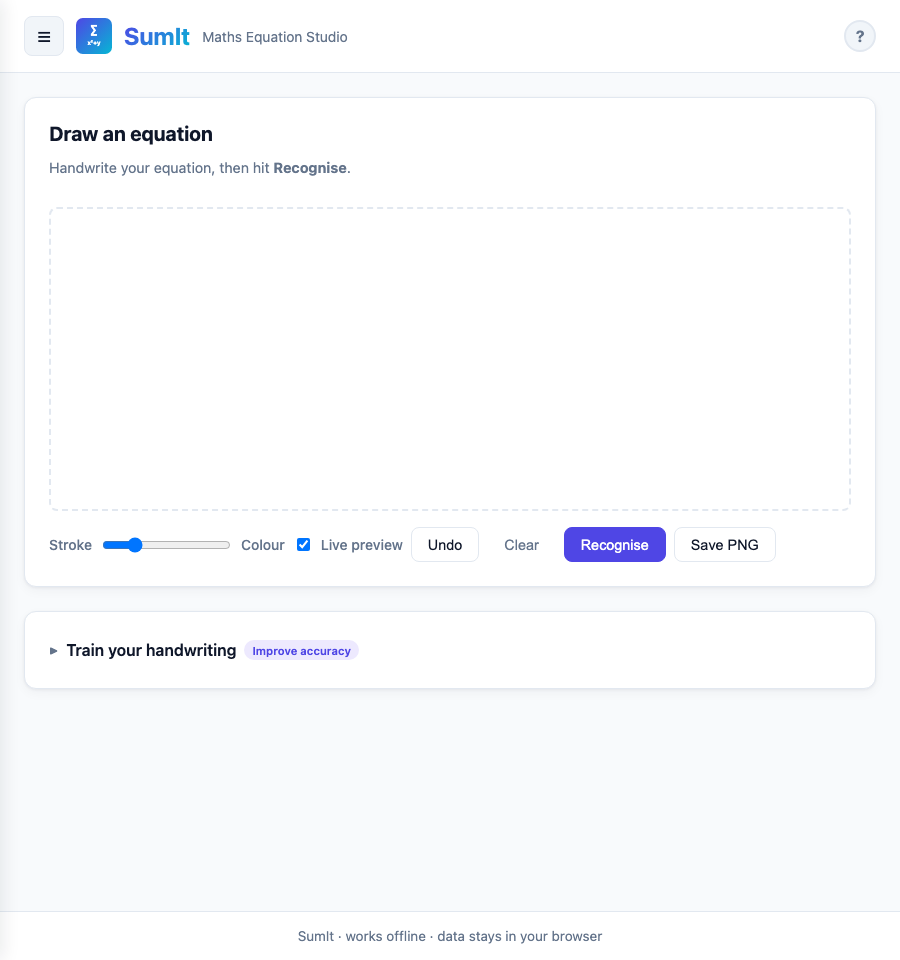
Handwrite with finger, stylus or trackpad. Recognition runs locally.
Scientific
Full scientific calculator with memory, DEG/RAD, function nesting.
Graphing
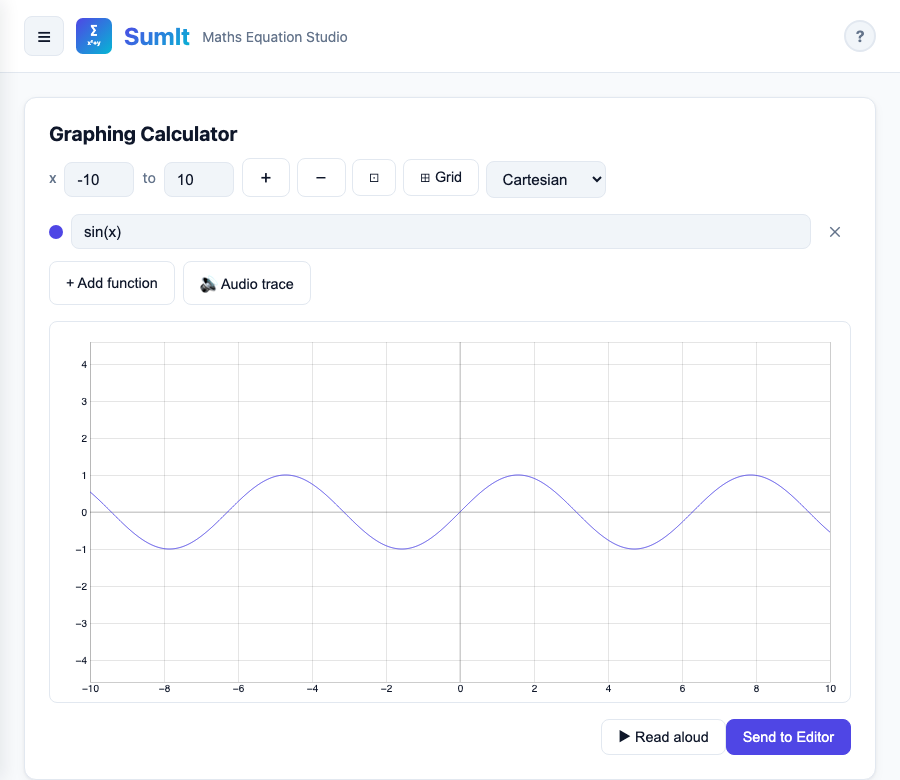
Plot up to six functions in Cartesian, polar or parametric form.
Chemistry
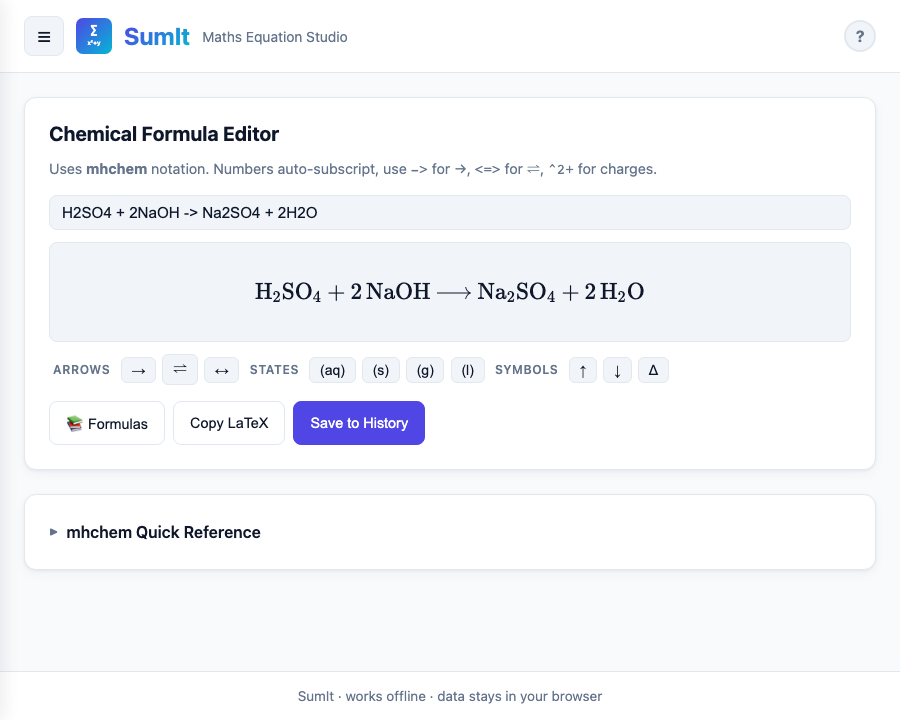
Type H2SO4 + 2NaOH and SumIt renders proper formulae.
History
Saved equations stay on-device — export them as JSON anytime.
Designed for real maths and science workflows
Type or paste — with smart autocomplete
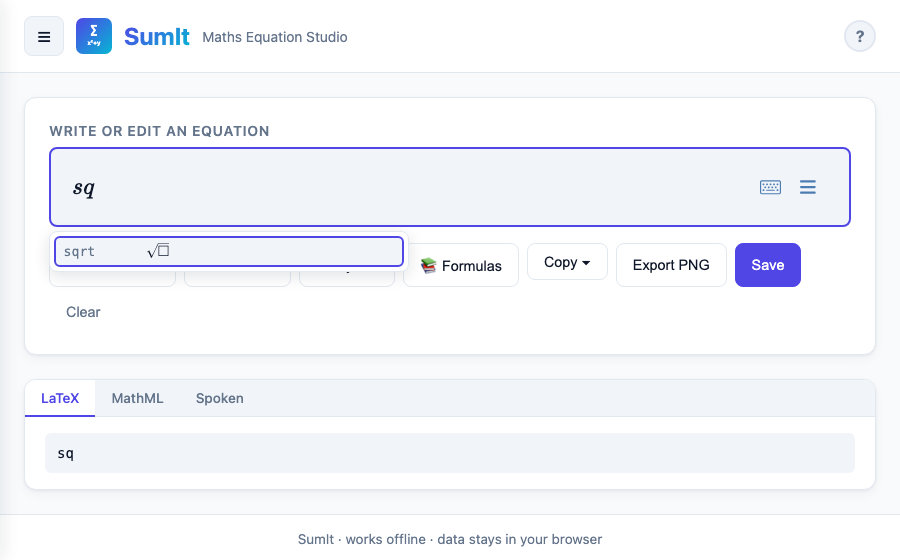
The Editor is built on MathLive. Type LaTeX, use keyboard shortcuts, or paste from Word. Type the first three letters of a named formula and SumIt suggests it — from "sq" for square root to "schrod" for the Schrödinger equation.
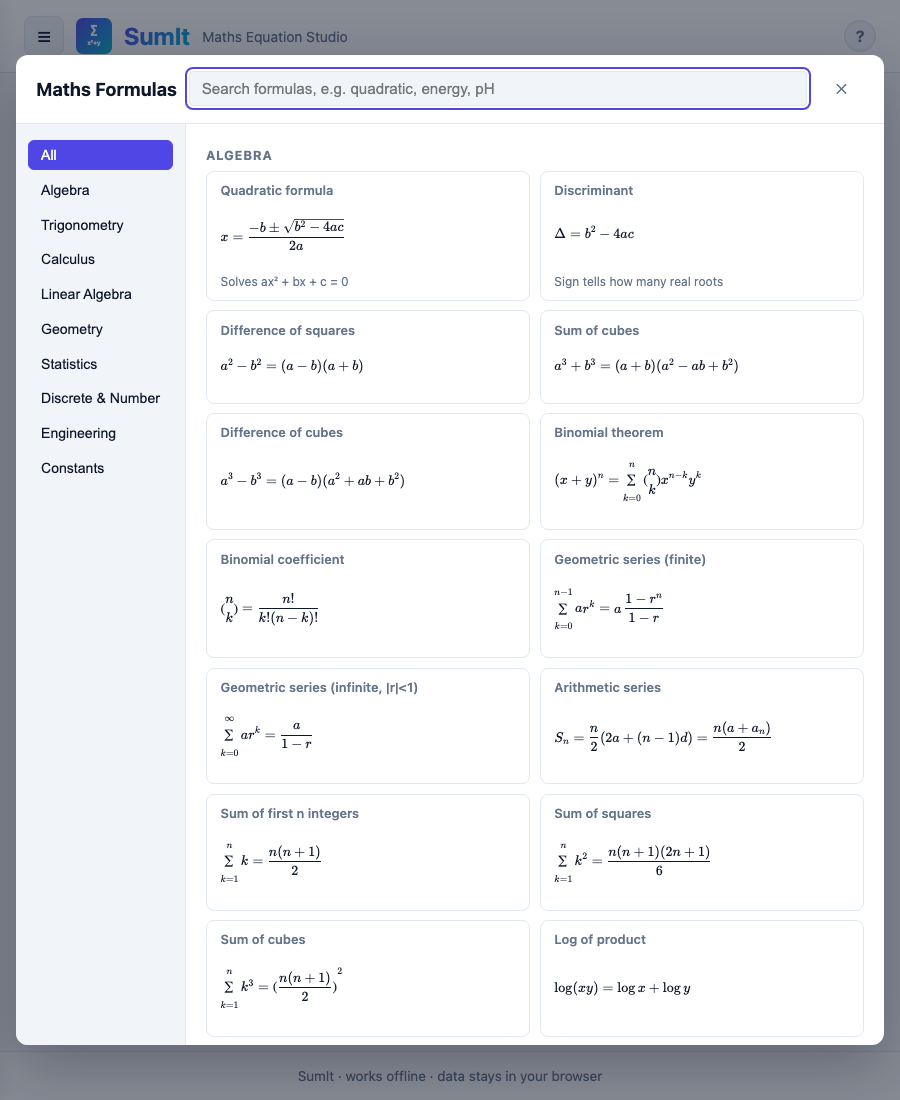
300+ named formulas, filtered by level and subject
Algebra, trig, calculus, statistics, mechanics, electromagnetism, thermodynamics, optics, chemistry — all searchable, all with rendered previews. Filter by age (≤16, 16–18, University) or by syllabus (GCSE, A-Level, IB) so pupils only see what's relevant to them.
Draw equations by hand — recognised on-device
Sketch with a finger, stylus or trackpad. Two recognisers ship with SumIt: a fast template matcher for everyday symbols, and a neural-network model for messier handwriting. Both run entirely on your device.
Graph and sonify functions
Plot up to six functions simultaneously in Cartesian, polar or parametric form. Audio-trace any curve to hear the shape — useful for teaching, and essential for visually-impaired pupils.
Render chemistry too
Type ordinary chemistry shorthand (H2SO4 + 2NaOH -> Na2SO4 + 2H2O) and SumIt renders proper subscripts, charges, and balanced equations via the mhchem package.
Built on Universal Design for Learning principles
SumIt makes maths and science notation more accessible by removing many of the barriers associated with traditional pen-and-paper methods. With a range of flexible input options, users can create and work with notation in the way that suits them best — opening up greater access to academic study and the workplace.
From blank slate to clean equation in four steps
Open SumIt
Any modern browser, no download or install required. Works on phone, tablet, laptop and Chromebook.
Pick a mode
Editor for typing, Dictate for speaking, Draw for handwriting, Scientific for calculating, Graphing for plotting.
Build the equation
Use the formula library if you'd rather pick from a list. Switch on Physics or Chemistry for mechanics, E&M, quantum and reactions.
Copy or export
LaTeX, MathML, Word-friendly equation, or PNG. Pastes cleanly into Word, Pages, Google Docs, Canvas, Moodle.
Built for the people who reach for maths and science every day
Students
GCSE, A-Level, IB and undergraduate maths and science. Fast equation entry for homework, revision notes, exam practice and lab reports.
Teachers & lecturers
Build worksheets, write equations and reactions into slides, prepare exam papers, project clean notation during a lesson.
Researchers & scientists
Sketch a derivation, copy LaTeX into a paper, balance a reaction, or check a plot before reaching for a heavier tool.
Anyone with access needs
Dictate by voice, navigate by keyboard, switch to high-contrast themes, have answers read aloud.
Self-learners
A scratchpad and calculator that talks the same language as Khan Academy, Brilliant or your textbook.
Schools on Chromebooks
No install required, works offline once cached. Drops into Google Classroom or any LMS.
A focused, distraction-free equation tool
SumIt is built by Daqorum for people who reach for maths and science every day — a fast, focused studio, not another tab full of ads or trackers.
Works offline
Once it has loaded, no internet connection is needed.
Private
Equations stay on your device while you work. No ad tracking.
Fast
Renders in real time — the editor and the whole library live in one tab.
Cross-platform
One codebase: web, iPhone, iPad, Mac, Android, Chromebook, Windows.
Accessible
WCAG-AA contrast, full keyboard access, screen-reader-friendly.
UK English
Auto-substitutes "Maths", "Colour", "Recognise" for en-GB locales.
Ready to bring SumIt to your students or team?
See it in action, then get SumIt for your school, department or organisation.
Get in touch
Have an enquiry? Would you like to learn more about SumIt? Or would you like to request a demo? We’d love to hear from you.